QR code placement

How to place QR codes in your venue

One QR code leads to your menu and never changes, even when your prices do. Here are five places where guests notice it fastest, and the products we print and send to you.

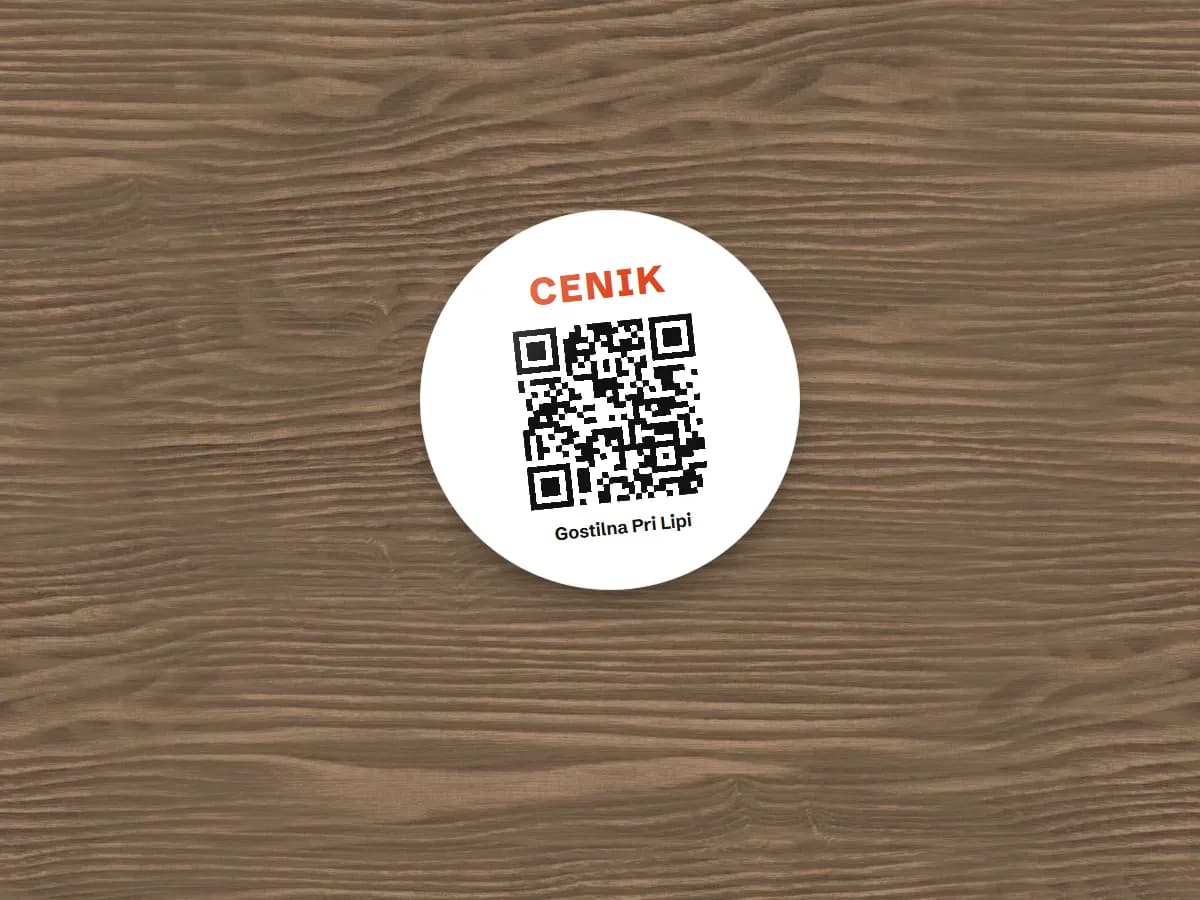
  1. 1Table sticker
  2. 2Table tent
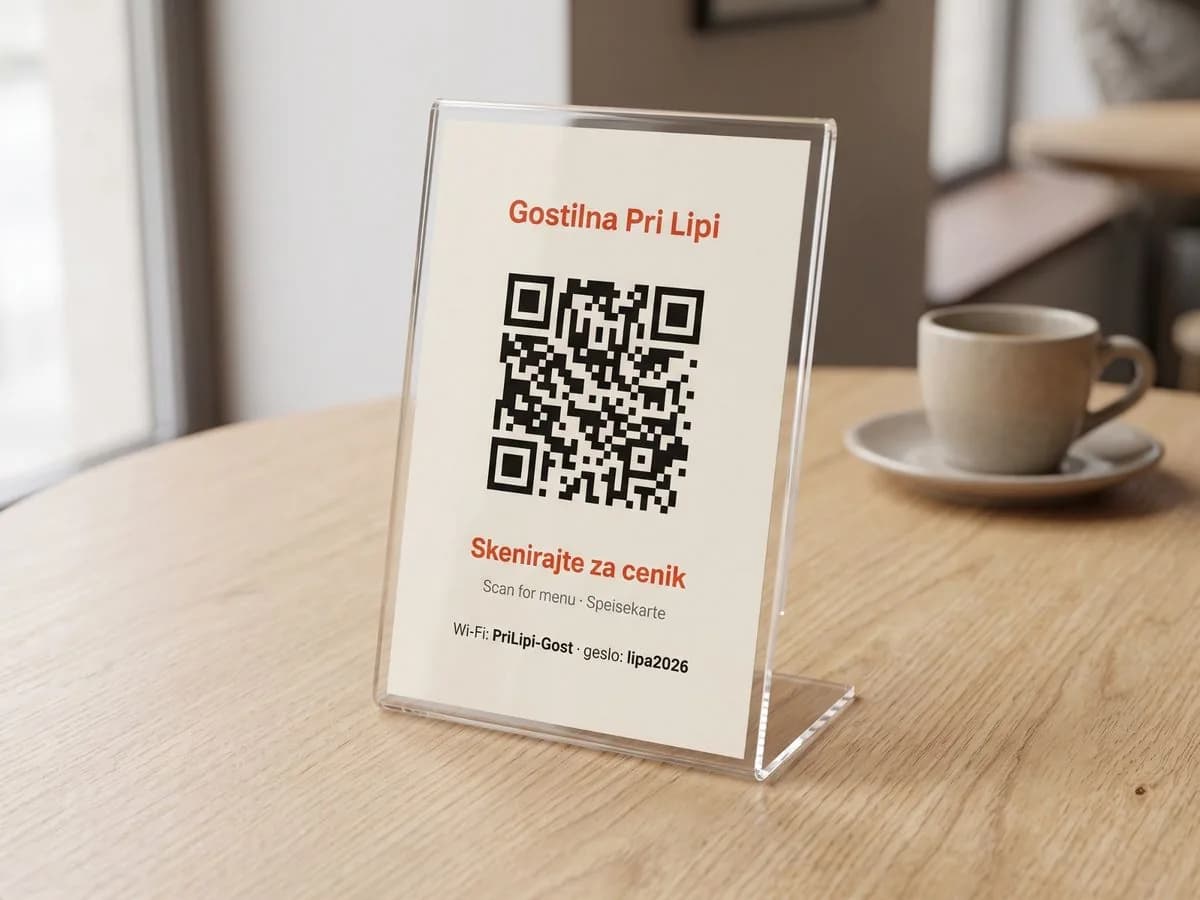
  3. 3Acrylic stand
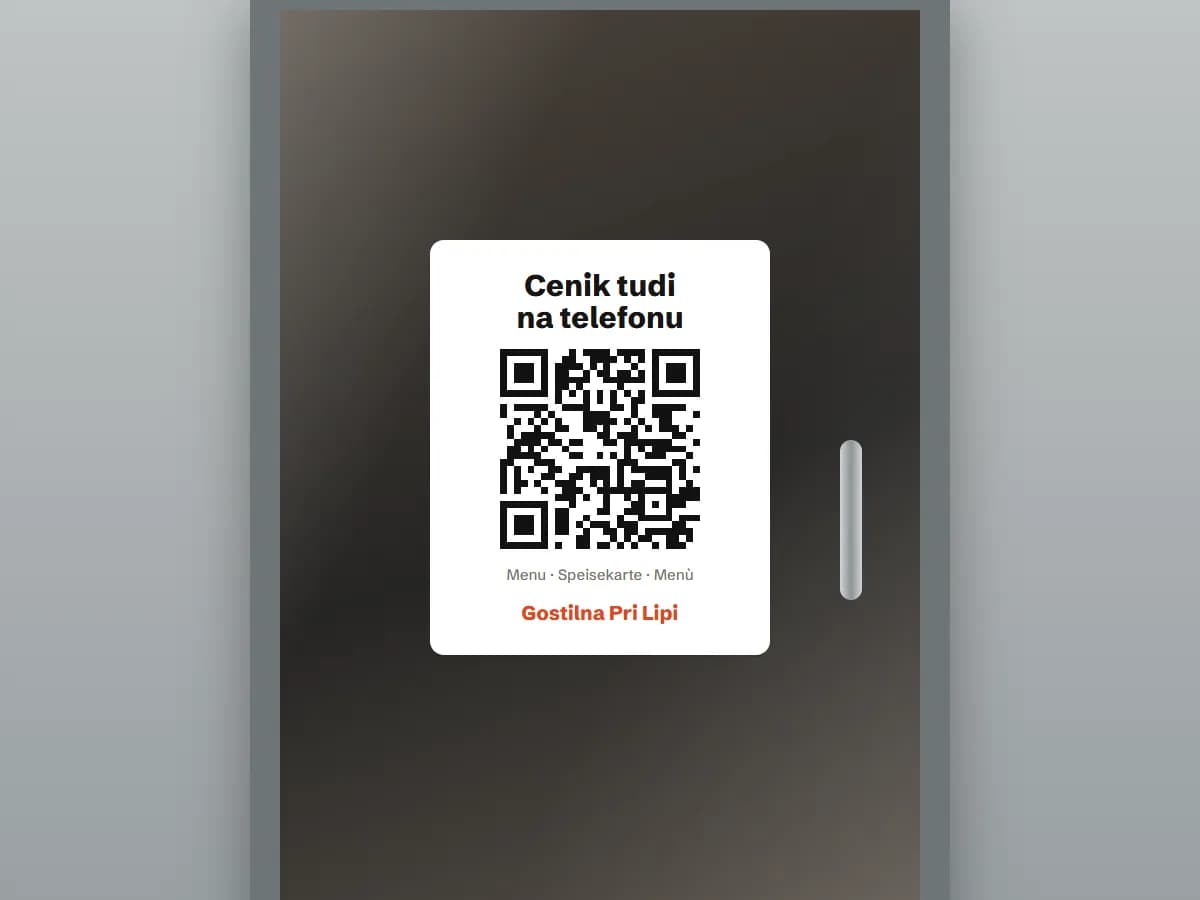
  4. 4Door or window sticker
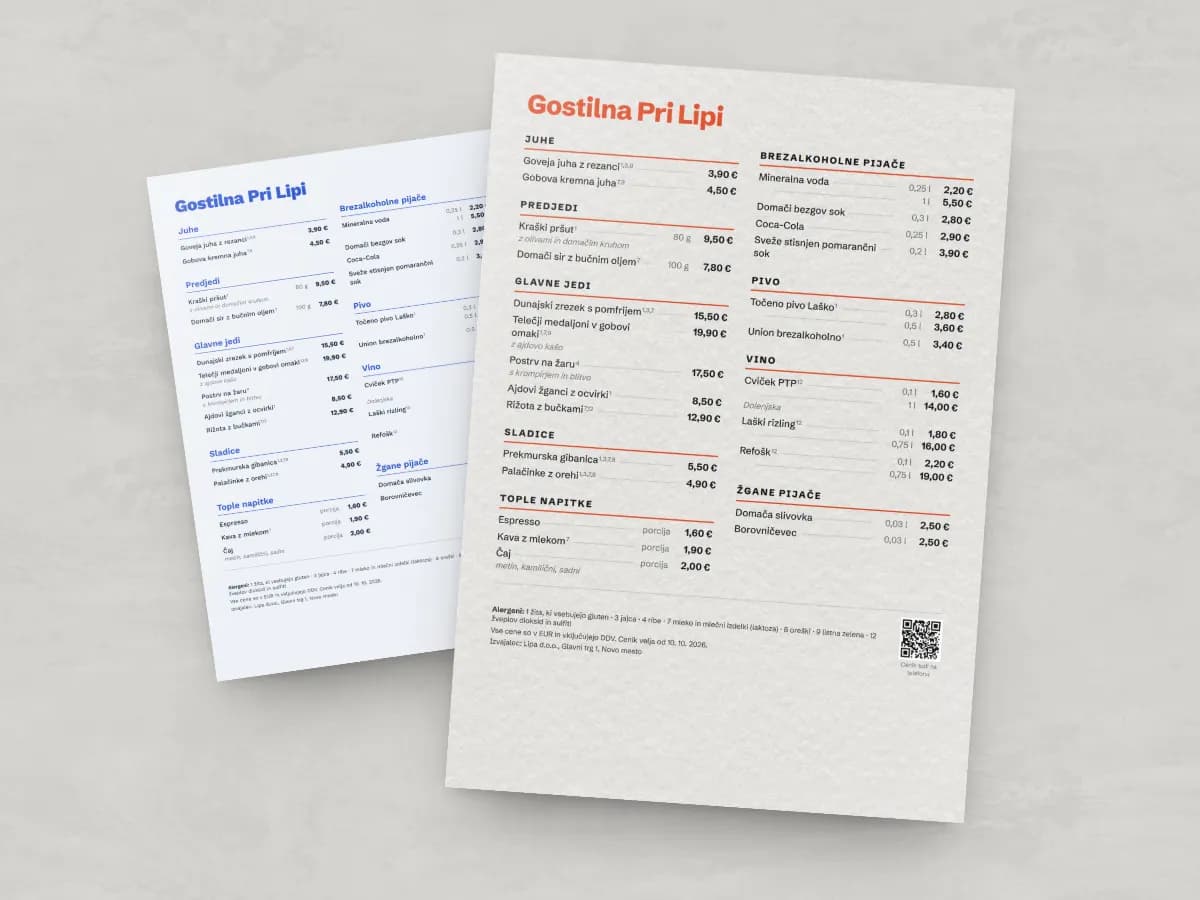
  5. 5Menu poster at the entrance
Table sticker
01 · Where: On every table, in a corner near the edge

Table sticker

It doesn't fall over, takes no space and can't be taken away. The best choice for terraces and busy tables.

  • Stands up to water, alcohol and wiping
  • 6 cm for tables, 4 cm for counters and the bar
  • Place it where plates won't cover it
Order printingfrom 1,50 € + VAT
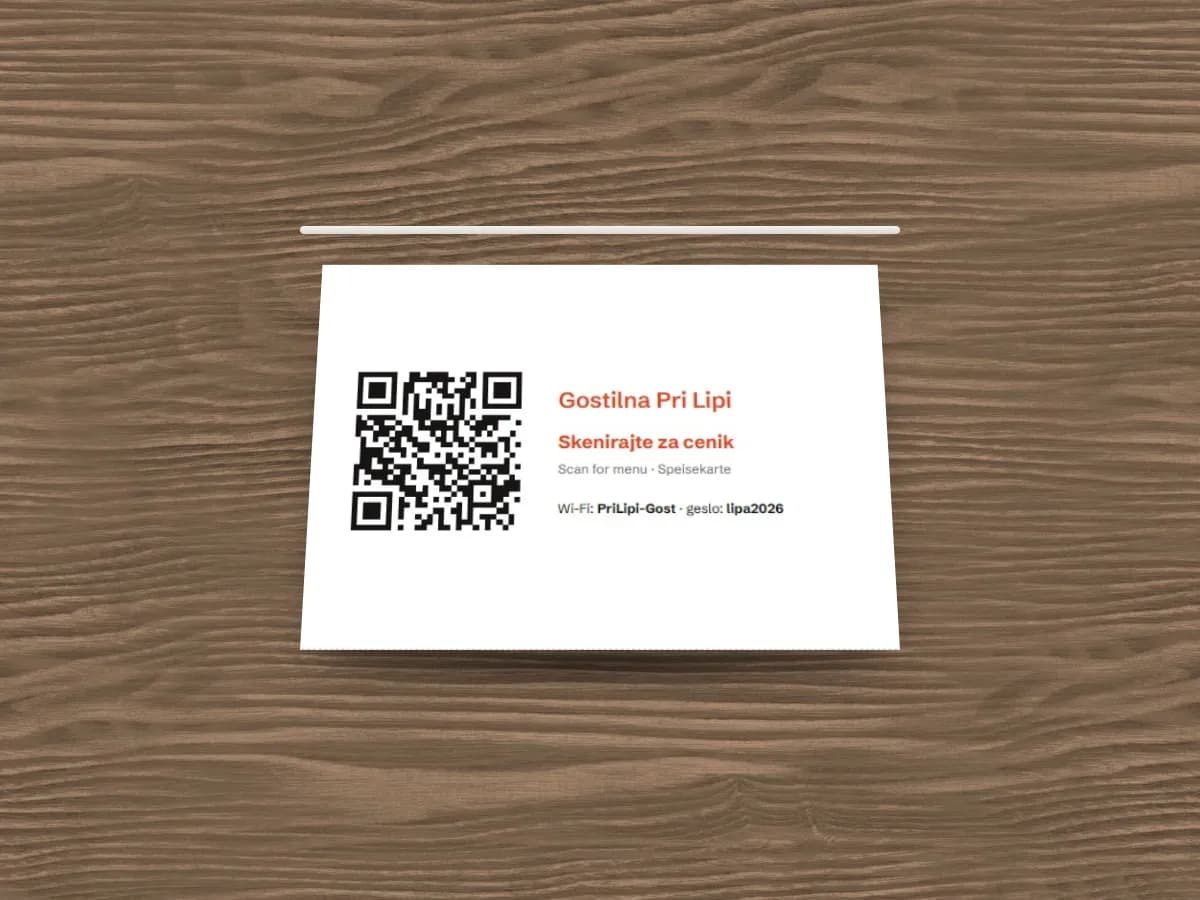
Table tent
02 · Where: In the middle of the table

Table tent

Stands by itself and is visible from both sides of the table. Use the back for daily specials or an offer.

  • QR code on both sides
  • Laminated, it lasts for months
  • Easy to replace when you change the design
Order printingfrom 1,90 € + VAT
Acrylic stand
03 · Where: On restaurant tables, at reception or the counter

Acrylic stand

Elegant and durable, for venues where looks matter. Swap the card in the stand in a second.

  • A6 card in clear acrylic
  • Doesn't absorb liquids and is easy to clean
  • Also suits hotel rooms
Order printingfrom 9,90 € + VAT
Door or window sticker
04 · Where: On the glass by the entrance, at eye level

Door or window sticker

Passers-by see the menu before they come in — even when you're closed. Often the first contact with a new guest.

  • Sticks to the inside of the glass
  • “Menu on your phone too” with a large QR code
  • A5 for doors, A4 or A3 for windows
Order printingfrom 9,90 € + VAT
Menu poster at the entrance
05 · Where: By the entrance, on the terrace or above the bar

Menu poster at the entrance

A large menu with a QR code that guests can read from a distance. It's also the printed menu the law requires where guests order.

  • A3, A2 or A1 on forex, banner or dibond
  • Forex and banner material work outdoors
  • When prices change, reprint only the poster
Order printingfrom 9,90 € + VAT

After signing up, choose the product, size and material under Print in the app. The first 30 days are free, no card needed.

Five tips for a QR code that works

  1. 1

    Big enough

    At least 3 × 3 cm on tables, larger on doors and posters. Guests should scan it without leaning over.

  2. 2

    Good contrast

    A dark code on a light background. Avoid shiny surfaces and strong direct light.

  3. 3

    A short invitation

    “Menu and allergens — scan me” tells guests what they get. Our templates already include it.

  4. 4

    Test with your phone

    Scan the code with your own phone before printing and after placing it, from where guests sit.

  5. 5

    Keep a printed menu

    Slovenian law (ZGos-1) requires a menu on a board, sheet or screen where guests order.